 Mintable
 wallet migration: custody claims, imports, and NFT access
Updated -
Mintable wallet migration was the planned exit from the platform’s custodial wallet system during its announced NFT wind-down. The team promised users a migration option, while earlier help instructions described claiming a private key and importing the existing account into MetaMask. That method preserved access to the same Ethereum account; availability of the old claim interface remains a separate issue.
The starting point matters: a Mintable-managed account needed a custody handover, while a separately controlled wallet already had its own signing credentials. Importing those credentials and transferring an NFT change different things, with different requirements.
Importing a claimed wallet preserves its existing address, while transferring an NFT changes the account that holds it.
The migration pledge and the former claim screen
The exit pledge established a commitment to custodial wallet migration, without confirming that every user’s handover had already finished. Mintable included that commitment in its announcement that it would wind down Mintable and Mintology. The team also described a business pivot, so retiring the NFT platforms did not itself mean immediate company closure. The announcement did not establish that the older custody interface would remain available throughout that transition.
The documented claim route needed access to the account interface. If a sunset notice replaces that interface, the notice alone supplies neither the former controls nor a replacement custody process.
Wallet custody determined the starting point
Mintable-created custodial wallets required a different handover from accounts that users already controlled elsewhere. Mintable automatically created custodial wallets for its users and could also create one when a business minted an NFT to an email through Mintology. That recipient needed the matching email account to access the NFT through Mintable. The email identified the service account; the blockchain address identified the wallet holding the asset.
A separately controlled Ethereum wallet already had its own signing credentials before connecting to Mintable. Leaving the platform did not require obtaining those credentials from Mintable. The relevant address was the one that actually held the NFT. An email login alone did not establish whether a particular asset belonged to the custodial account or a separately connected wallet.
The receiving wallet needed the right import method
Compatibility depended on accepting the exported credential and accessing the Ethereum account that held the NFT.
Private keys and recovery phrases
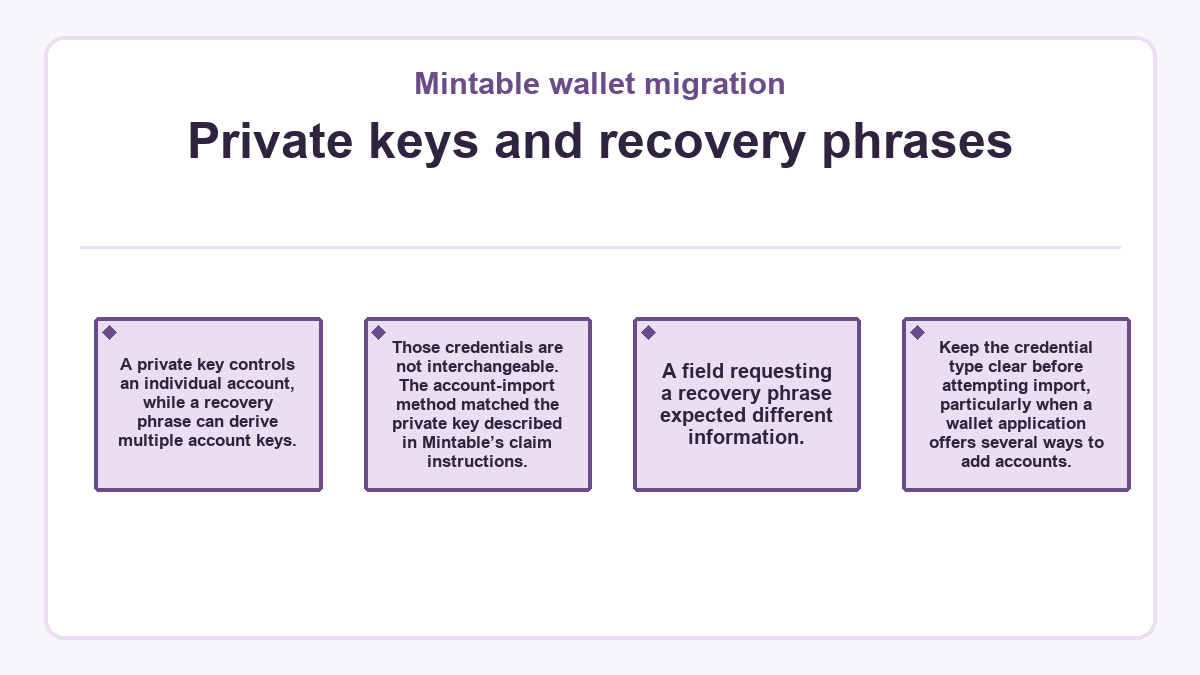
A private key controls an individual account, while a recovery phrase can derive multiple account keys. Those credentials are not interchangeable. The account-import method matched the private key described in Mintable’s claim instructions. A field requesting a recovery phrase expected different information. Keep the credential type clear before attempting import, particularly when a wallet application offers several ways to add accounts.
Account import and website connection
MetaMask supported the Ethereum private-key import that Mintable described. Connecting a wallet to a website served a different purpose: it made an existing account available to that application. Connection support did not establish private-key import support. A successful connection also did not move assets from a Mintable-created wallet into the connected account.
Links to a social login
In a MetaMask instance linked to Google, Apple, or Telegram, account import also links that account to the login. That link cannot be disconnected; avoiding it requires a new instance without the linked login.
What did the custody handover require?
The earlier custody flow required a wallet application ready for import, access to the registered email, and receipt of the private key.
Verification and key release
The former interface offered Take Custody through My NFTs or a wallet-freeze prompt. It first asked whether the user had a crypto wallet. Users without one received instructions to install MetaMask before continuing. The system revealed the key after the account holder entered the emailed verification code.
Responsibility after the handover
Mintable committed to permanently deleting its server copy of the private key after the custody handover. The owner needed a secure key backup because Mintable could not recover the account after key loss.
Did importing the wallet move its NFTs?
Importing an Ethereum account’s private key does not transfer its NFTs to another address. The wallet application gains the credential needed to access the existing account. Its assets remain under the same blockchain ownership record. Account import itself requires no NFT transfer transaction or associated transfer gas payment.
Sending an NFT to a new address was a separate choice. The owner authorized an Ethereum transfer, and the specified recipient address became its destination. The sending wallet needed enough ETH for network gas. The destination needed to match the intended recipient on Ethereum. A successful transfer changed which account held the NFT, making recipient compatibility part of the transfer decision.
Frozen access and interrupted handovers
Mintable treated wallet freezing as a custody restriction that could follow incoming funds or an unsuccessful handover. Its help material listed successful-sale proceeds and ETH or token deposits among the triggers. A frozen status concerned access to the custodial account; it did not demonstrate that the assets had transferred elsewhere. Sending additional funds was not the documented unfreezing method. The intended resolution was taking custody, subject to access to the claim route.
A browser closure or lost connection during key claiming could refreeze the wallet and require restarting the old flow.
A worked import that kept the original Ethereum address
In this hypothetical case, a wallet owner has already completed the custody handover and securely saved the private key. Their NFT remains in that Ethereum account, and they want access through MetaMask without transferring it.
Importing the existing account preserves its address. The owner checks that the application offers Ethereum account import using a private key. A recovery-phrase-only prompt would not accept the credential in this case, so it would not satisfy the prerequisite.
With private-key import available, the owner imports the account and compares its address with the original holding address. In this example, they match, and the Ethereum ownership record still identifies that address as the NFT holder. Access through MetaMask now works without changing the holding address.
A transfer to another Ethereum address would change the holding account and require a transaction with gas. Both choices require compatibility with the NFT’s network; only the transfer introduces a different recipient address. Import avoids that irreversible token movement while leaving the completed custody handover in place.
Which fees applied to an Ethereum NFT transfer?
The documented Ethereum transfer flow required the authorizing wallet to pay gas in ETH for the NFT transaction. That payment covered network execution, separately from the earlier gasless minting feature. Gas consumption depended on the operation, while the gas price reflected network conditions. A historical free-minting offer did not price a later transfer.
A failed on-chain transaction could still consume gas, so lowering the gas limit below the required allowance risked failure. Unused gas is refunded, but fees for gas consumed by a failed transaction are not. The gas limit caps computational work; it does not quote a fixed ETH charge. Actual gas used and the effective price per unit determine the execution cost.
A transaction hash and a successful transfer showed different states
A transaction hash identified the transaction, without proving network inclusion or successful execution. Ethereum records the execution outcome in a transaction receipt, which is unavailable while the transaction remains pending. A successful receipt status confirms execution; the NFT’s transfer record identifies the asset and recipient. The intended NFT and recipient still need to match that record.
Mintable’s Ethereum transfer instructions supported checking status through Etherscan with a wallet address or transaction hash. An NFT image supplied no transaction confirmation by itself. Its display could depend on metadata hosting even while the token’s ownership record remained on-chain. The ownership record and the media display answered different questions about continued access.
Metadata hosting and corporate NFT services had separate limits
The metadata commitment covered hosted NFT information, while wallet migration concerned access to the account holding the token. Mintable pledged continued metadata hosting while the company operated. If the company later closed, the team said it would move that metadata to a more decentralized permanent solution.
The team also promised to work with corporate clients on continuing their NFT use. Mintology had supported access controls and metadata updates, so a wallet handover alone did not recreate every service behind an NFT. Continued membership or interactive functions could still depend on an operator’s arrangements for those services.
The choice between retaining the existing account and transferring an NFT depended on which address should hold it. Moving the token offered no additional metadata-hosting guarantee over importing its existing account.
Mintable wallet migration: common questions
Why did a claimed wallet disappear from the Mintable dashboard?
The former claim flow removed the custodial wallet from the dashboard after releasing its private key. Dashboard removal did not mean that the NFTs had left the original address. Importing the claimed account provided access through the receiving wallet application.
Will my existing MetaMask recovery phrase restore the imported Mintable account?
Restoring a separate MetaMask Secret Recovery Phrase alone does not restore an independently imported private-key account. Keep that account’s own key backup for recovery. Logging in with the same linked Google, Apple, or Telegram account and the MetaMask password can restore the imported account. An unrelated recovery phrase does not derive the imported key.
Should I send my email code or private key to someone offering migration support?
Keep email verification codes and private keys out of support conversations. The earlier custody claim used an email code inside its verification flow. Mintable warned that staff would not ask users for that code or their private key. Public account details can identify the affected wallet without disclosing the secret that controls its assets.
Did claiming a wallet also move an Immutable X NFT to Ethereum?
Claiming an Ethereum account did not move an Immutable X NFT onto Ethereum. Mintable’s historical creation interface treated Immutable X and its Ethereum gasless store as separate routes. Taking custody changed access to the account, without bridging assets between networks. The wind-down migration pledge did not promise an automatic conversion between those networks.
Does importing the claimed wallet also import control over an associated store?
The imported key can exercise the authority that the same Ethereum account already holds. Mintable’s custody instructions included stores and smart contracts associated with that account. Importing the key does not create new permissions over unrelated contracts. Any store control depends on the permissions that the account held before the import.